# Build Your Own Links Bio Menu (FREE)
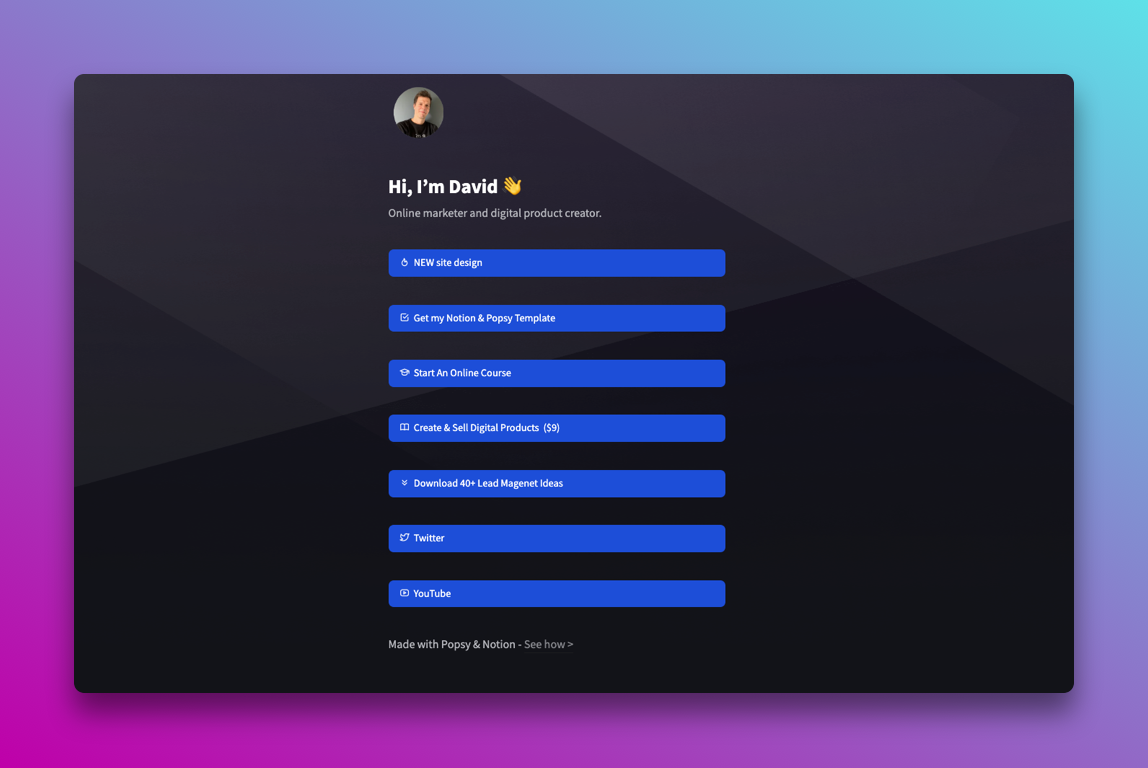
Social media bios are usually the first point of contact when people find you online. They may see a Tweet or picture on social media and then click your profile to learn more about who you are and what you do. This is the point when they decide to follow you or return to browsing.
It’s where you should share your credentials or sell your services.
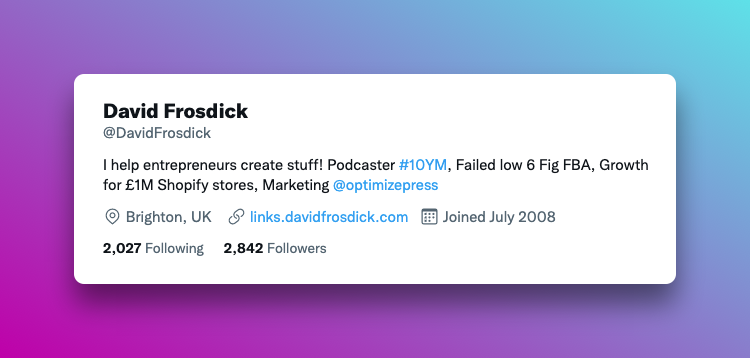
To take advantage of the bio page you should have a short links menu to direct people to your most popular products or blog posts. The idea is to create quick links so visitors don’t have to search too hard for what it is you offer.
After the huge success of LinkTrees many new services started to pop and take a slice of the pie. Some services are free, others offer more analytics and charge a low subscription.
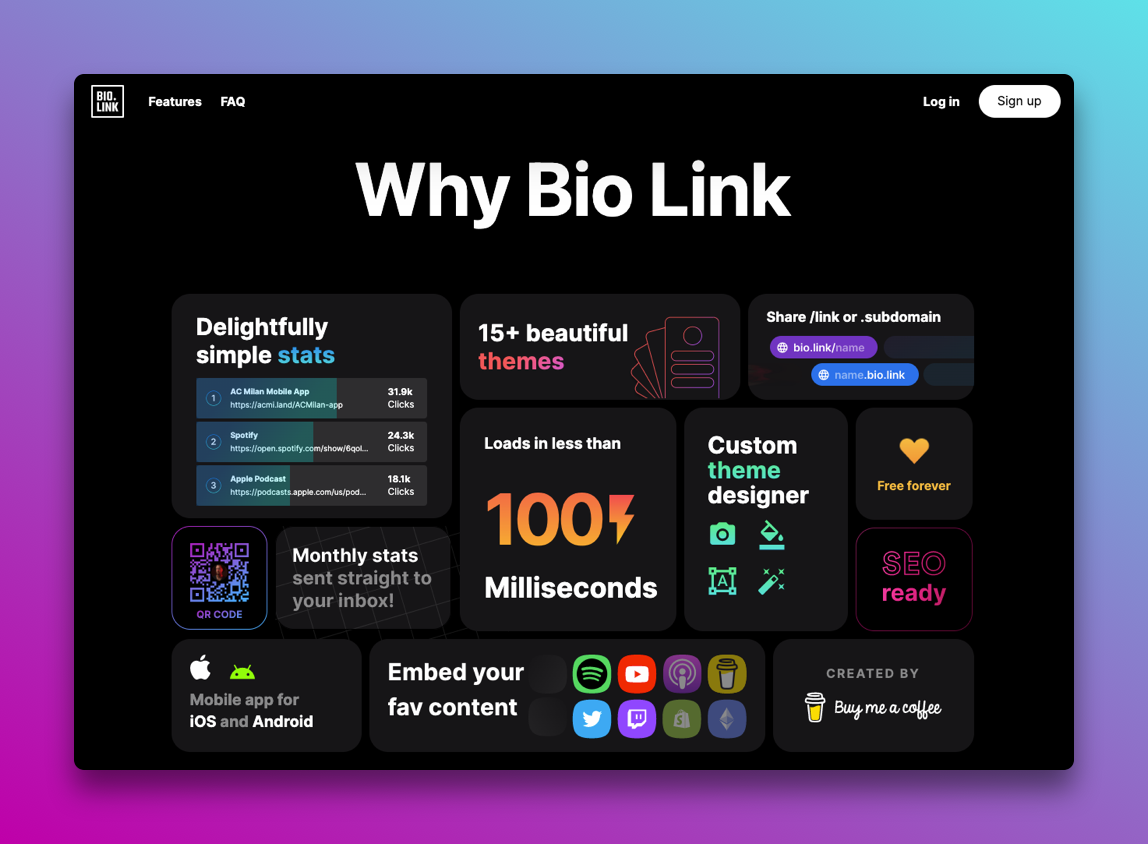
A new one I’ve seen recently is https://bio.link from Buy Me A Coffee. It’s free to use and has a bunch of features to help people create a great looking Bio Links. I’m not going to go into all the details about these services. Instead I’m going to show you below how to do it for free with Notion.
Do It Yourself
As I’ve been using Notion for a while and recently switched my entire site over to Popsy.co I decided to make my own links menu in Notion.
It took about 5 mins to setup using the free template from Popsy and I’ve got the entire process recorded for you to follow.
[👉 Download My Notion + Popsy Links Menu]
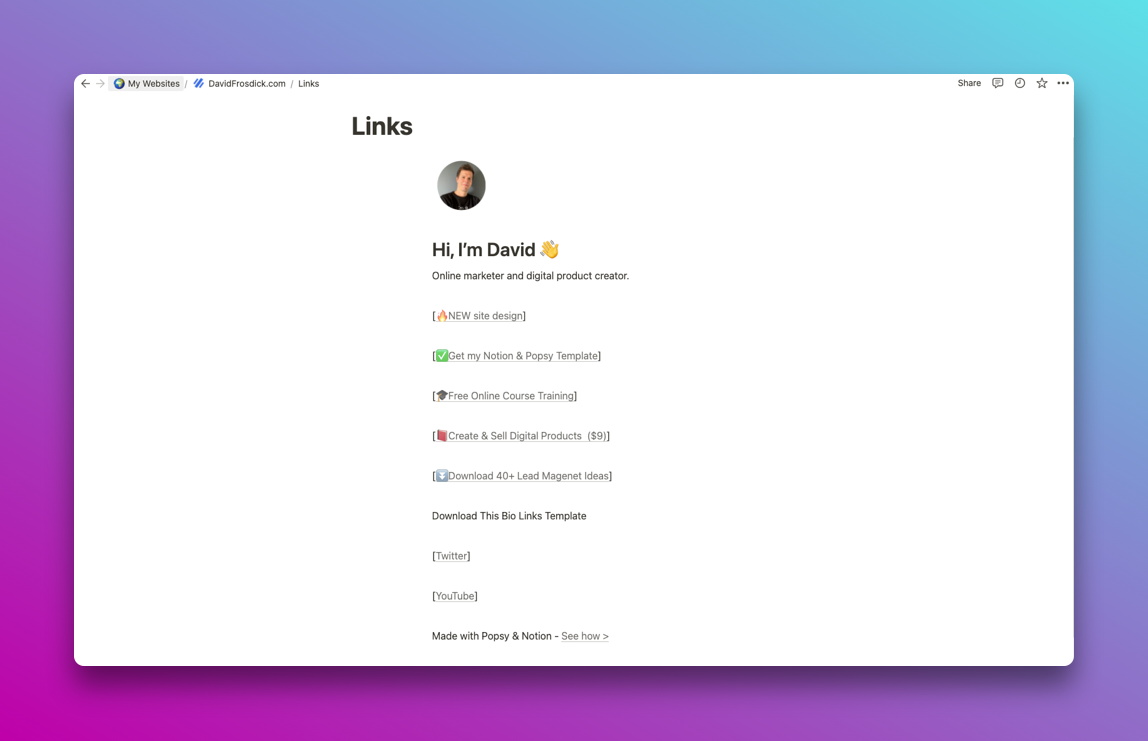
Next watch how I built the template and then created a subdomain for “links” to work on https://links.davidfrosdick.com