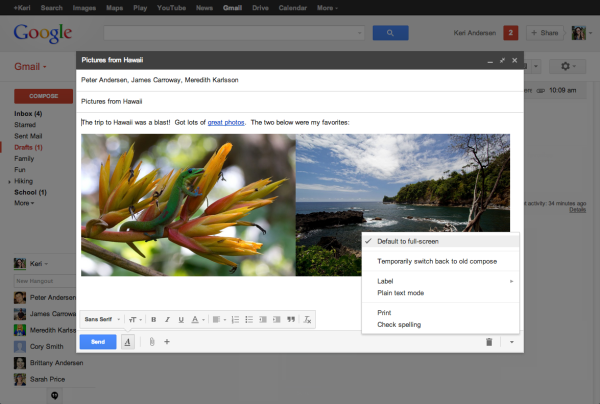
Gmail recently rolled out a new feature where the compose box has a full screen option.
You can read more about it over at Gmail’s Google+ page. The great thing about Gmail is they are continually developing new features making it a more user friendly email experience.
Another feature you may see is the priority inbox tabs. The tabs are designed to filter your email into groups allowing you to choose which email you read.
If you don’t want the tabbed inbox style you can easily turn it off. The video below explains how to disable the tabs and reset the compose box so it doesn’t go into full screen.
I’m David Frosdick a content marketer & course creator. I spend my days working with OptimizePress, coaching clients, producing online courses, digital products and generally seeing what’s working online with marketing. Thanks for visiting my blog and feel free to contact me if you have any questions.